


Dashcam Support for CareDrivers
We've put together this dashcam resource page to help CareDrivers get started. Find info on dashcam installation and technical troubleshooting below.
Learn More Below:
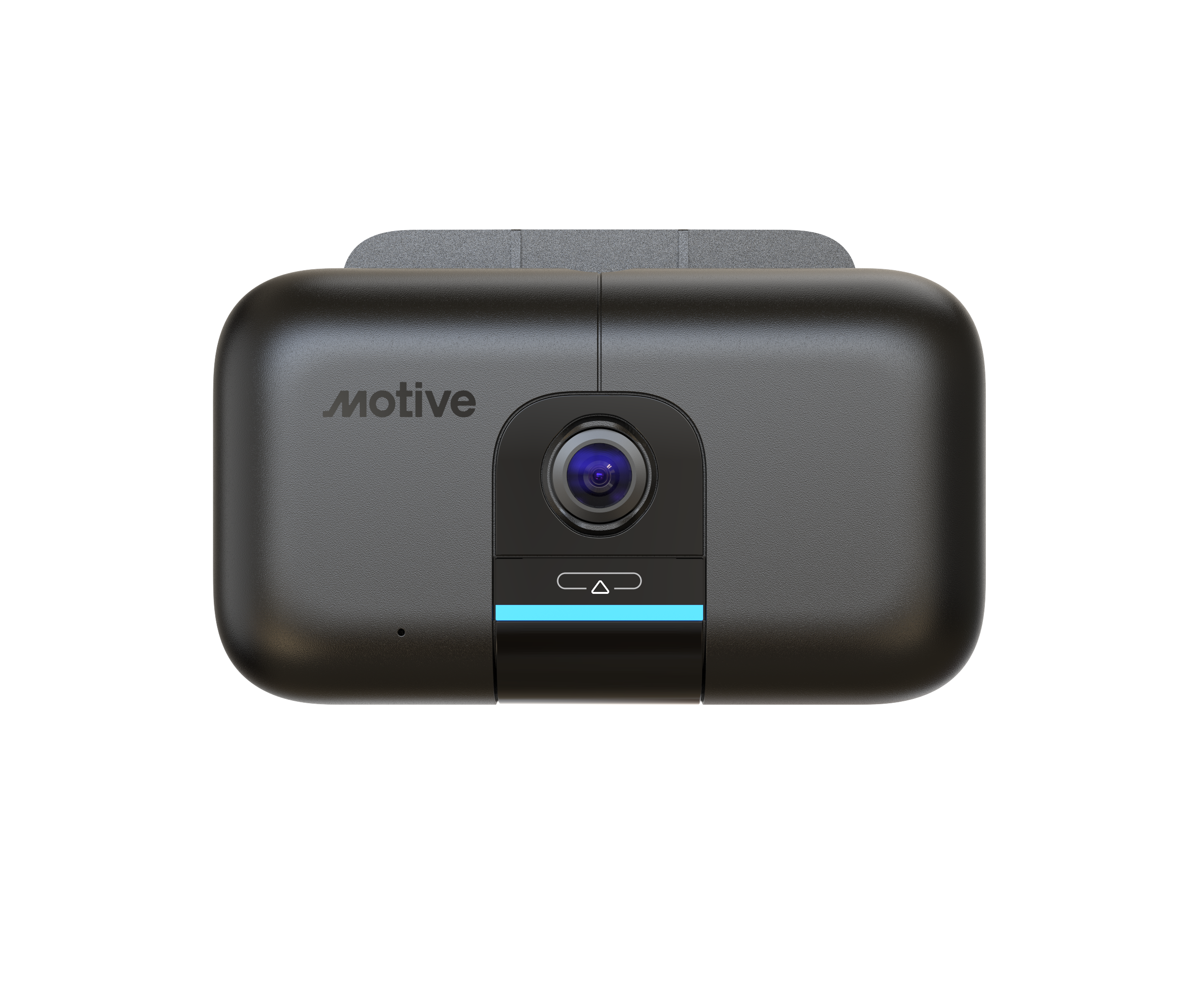
Dashcam Installation Instructions
How to Self-Install Your Dashcam
Watch the how-to video to learn how to install your dashcam within 15 minutes.
Dashcam Installation Support
If you run into any issues while doing the self installation, please contact HSD Support by email at riderecording@hopskipdrive.com
Understanding the Device LED Lights
The dashcam will signal different alerts in a form of a different colored LED lights and flashes. Below is your guide as to what each alert means, and the expected action.
Getting Set Up (White LED)
While your dashcam is getting set up, you'll notice 3 different white LED signals.
-
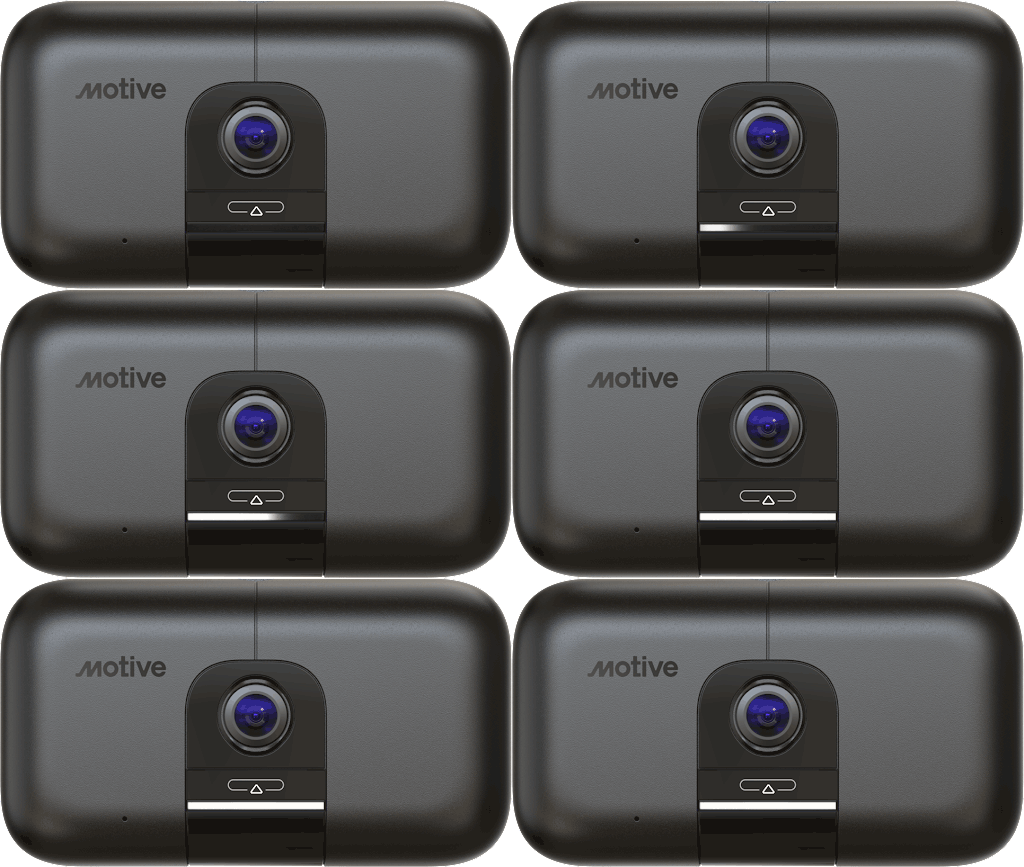
Camera starting Progress LED bar, No sound played -
Firmware update Blinking LED bar, No sound played -
Awaiting power No LED bar, No sound played
Ensuring Dashcam Is Live (Blue LED)
Once a blue LED light is showing, you'll know your dashcam is set up and on.
-
-
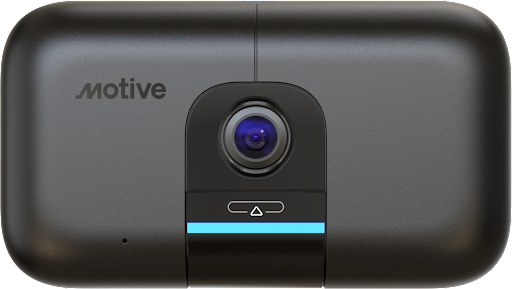
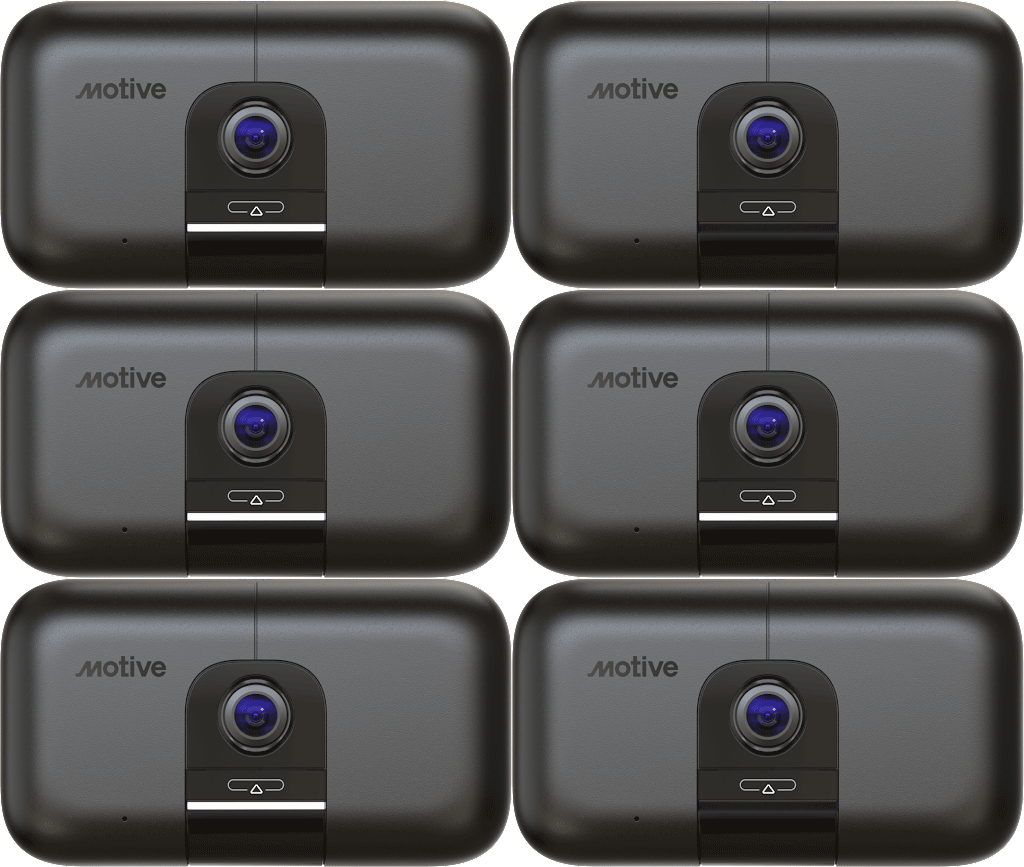
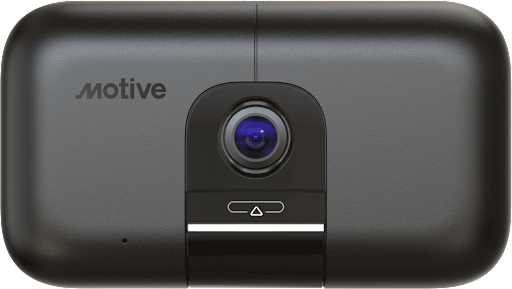
Recording Solid LED bar, No sound played -
Connection Lost (Purple LED)
If your dashcam has lost signal a purple LED light will flash.
Check the cables and ensure that your dashcam is connected correctly or contact support riderecording@hopskipdrive.com
-
-
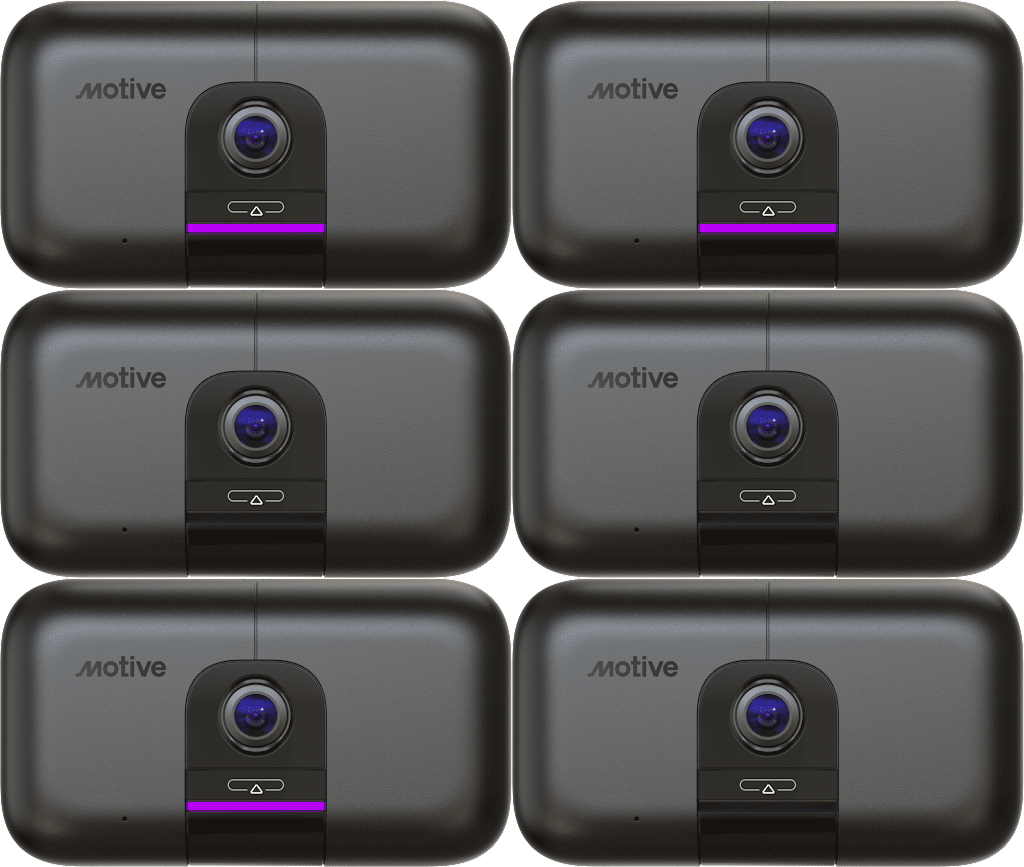
Camera, Vehicle Gateway disconnected Blinking LED bar, No sound played -
Note: No lens cover needed: Our goal is to make Safe Ride InSight rides and using the dashcam as easy as possible for you. You are welcome to physically cover the lens during times when you are not providing rides using the HopSkipDrive platform, however, the lens cover is not required to prevent recording.
Dashcam Frequently Asked Questions
How to Contact Support
Our HSD support team is available via email 24/7 to answer your questions and solve your issues.
-

Email & Phone -
Support SLA (Service Level Agreement) Depending on what support is needed below is the time expectancy for resolution. - Critical outage-system is down - 1 hour
- System is available, but key functionality and/or applications are not operable. Workarounds are not available to replace affected functionality - 4 hours
- System is available; however, non-critical functionality or applications are not working. No reasonable workarounds are available - 1 business day
-

HopSkipDrive For questions related to HopSkipDrive, please email riderecording@hopskipdrive.com

© 2013-2024 Motive Technologies, Inc.